
 Procore
 Autodesk Construction Cloud
 Aconex
 SharePoint
 Google Drive
 Outlook
Alternatives to Trunk Tools: Construction AI Options
Trunk Tools detects real issues on a drawing set - but it runs the same checks every time. D&C builders need to check different things at different documentation gates. Here's how CIM.BUILD is built around that, and where the other alternatives fit.
Trunk Tools is a capable, broad construction-AI platform - a suite of agents that take admin load off the team. TrunkText answers field questions from the documents in seconds. TrunkSubmittal and the Submittal Register review submittals and build the log. TrunkRFI dedupes and drafts RFIs. TrunkReview summarises drawing revisions. TrunkBid surfaces gaps and exclusions in trade bids. Point it at a set of drawings and it will find real issues.
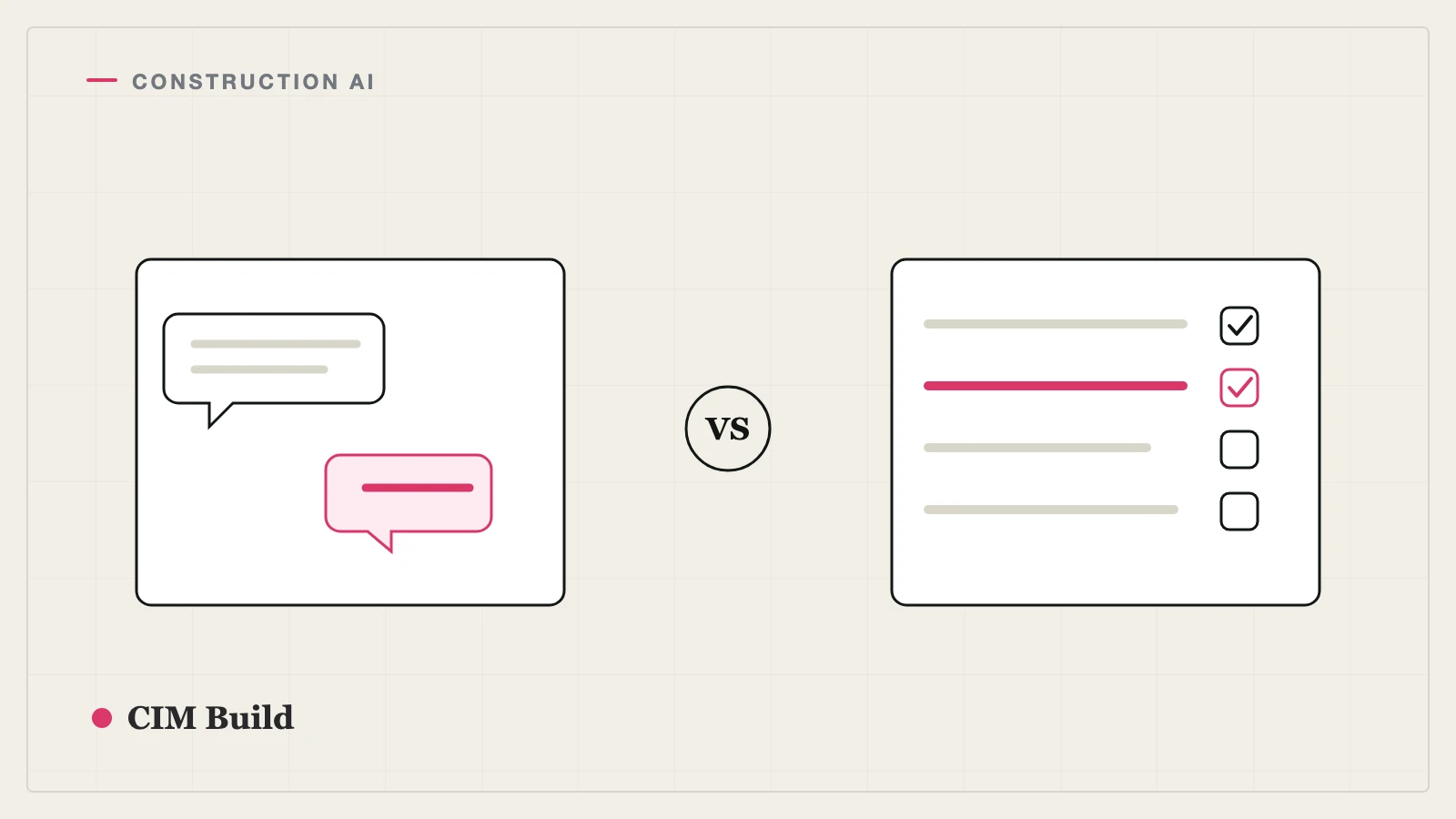
So will the others. Primepoint and the rest of the AI checkers detect much the same issues on the same set. Which is exactly why "who detects more" is the wrong question to compare them on. They nearly all run the same checks on every set, every revision - and that, not detection, is where the real difference is.
The difference that matters: what you check changes at every gate
A concept set, a developed-design set, a tender set and an IFC set are different animals - the RIBA stages exist precisely because each one is a different beast. What counts as a defect changes at every gate.
Flagging "the door schedule doesn't match the ironmongery spec" at concept is noise - the ironmongery schedule isn't done yet, and isn't meant to be. Flagging the same thing at IFC is critical: that's a gap that's about to be built. A tool that runs one checklist at every stage gets it wrong in both directions. It buries the team in false positives at the early gates, and by the time the documents reach IFC - when the checks actually matter - everyone has learned to ignore the alerts.
Same checks every time isn't rigour. It's noise. And a tool that cries wolf at 50% gets switched off by IFC.
Contractors already know this. A good design manager checks for completely different things at developed design than at tender than at IFC. The skill was never detection - it's knowing what to look for at each level of documentation. That's what CIM.BUILD is built around.
How CIM.BUILD is built around the gates
Same audit engine, different audit set, matched to the maturity of the documents:
- At tender - scope completeness for pricing. Is everything an estimator needs to price actually here, and where are the gaps, exclusions and ambiguities? Catching them at tender gives a far larger mitigation window than catching them on site - time to price the real scope and raise RFIs before award, when issues are cheapest to resolve.
- At developed design - is the design intent coordinated at the level it should be? Major clashes and structural-vs-architectural fit, not the fine detail that isn't resolved yet.
- At IFC - full coordination: drawing-to-schedule consistency (doors, windows, finishes, ironmongery), M&E vs structure, standards compliance (Eurocode 3, the Building Regulations), and any unclouded changes since the last issue.
You get signal at every gate, not the same net thrown at documents that aren't ready for it. And because the audit set follows the documentation, the same platform serves the estimator at tender and the design manager at IFC.
The other alternatives
Bluebeam Revu / Adobe Acrobat - If what you want is faster markup and take-off on a single sheet, a per-user PDF tool does that directly. (See Bluebeam Revu Alternatives.)
Procore (with Procore AI) - If Procore is your system of record, Procore AI adds search and admin automation over RFIs, submittals and project records - some of the same admin ground Trunk Tools covers, inside the platform you already run.
Document Crunch - AI focused on contracts and compliance, reading contract and specification language to flag risk and obligations. A good fit if your question is contractual rather than coordination across drawings.
How they compare
| Trunk Tools | CIM.BUILD | |
|---|---|---|
| Built for | AI agents that automate document and admin work | Stage-aware design audit for D&C builders |
| Checks | The same checks on every set, every revision | Stage-appropriate audits, matched to the documentation gate |
| At tender | Gaps and exclusions in trade bids | Scope completeness for pricing - early enough to mitigate |
| At IFC | The same checks as every other stage | Full coordination, standards, unclouded changes |
| Result | Real issues, but the same net at every gate | Signal at each gate, not noise |
| Output | Answers, drafted RFIs, submittal logs, revision summaries | Findings and change register with source-linked citations |
| Best for | Cutting admin load across the project | Catching the right issues at the right gate |
How to choose
If the pain is the hours your field and PM teams lose to admin - chasing answers, logging submittals, drafting RFIs - Trunk Tools is built squarely for that. If the pain is that your review either drowns the team in noise or misses the gap that mattered, because it treats a 50% set and an IFC set the same way, then that's the specific thing CIM.BUILD is built to fix. The two aren't mutually exclusive - plenty of contractors run a broad admin tool alongside a stage-aware audit.
Frequently asked questions
What does Trunk Tools do?
Trunk Tools is a suite of AI agents for construction that automate document and admin work: instant answers from project documents (TrunkText), automated submittal review and logs (TrunkSubmittal, Submittal Register), RFI dedupe and drafting (TrunkRFI), drawing-revision summaries (TrunkReview) and scope-gap extraction from trade bids (TrunkBid). It's used by field crews, site managers, PMs and estimators.
How is CIM.BUILD different from Trunk Tools and other AI checkers?
Most AI checkers - Trunk Tools, Primepoint and the rest - detect much the same issues on a set of drawings, and they run the same checks every revision. CIM Build runs stage-appropriate audits instead: it checks for different things at concept, developed design, tender and IFC, because what's a real defect at one gate is just noise at another.
Why does running the same checks every time matter?
Because it produces noise. Flagging a drawing-to-schedule mismatch at 50% design is a false positive - the schedule isn't finished. Flag enough false positives early and the team stops trusting the tool by the time the documents are at IFC, which is exactly when the checks count.
What's the best alternative to Trunk Tools?
It depends which job you most need done. For stage-aware design audit across the documentation gates, CIM.BUILD does a different job. For markup and take-off, a PDF tool like Bluebeam Revu. For contract and compliance review, Document Crunch.
Can I use both?
Yes. A broad admin-automation platform and a stage-aware design audit solve different problems, and many teams run both.