
 Procore
 Autodesk Construction Cloud
 Aconex
 SharePoint
 Google Drive
 Outlook
A director's guide to ChatGPT and Claude for construction
General-purpose AI like ChatGPT and Claude is already on your team's phones. Here's where it earns its keep on a construction business, where it quietly fails, and the line you can't let anyone cross.
TL;DR: ChatGPT and Claude are already in your business whether you've approved them or not — your PMs are pasting emails into them on their phones. Used well, they're a genuine force multiplier for the writing, summarising, and thinking-out-loud that eats a director's week. Used badly, they leak confidential drawings, invent clause numbers with total confidence, and get trusted on exactly the work they're worst at. This guide covers what they're genuinely good at, where they fail on construction-specific work, the one confidentiality rule you can't bend, and how to set a team policy that captures the upside without the risk.
A general-purpose AI assistant is not a construction tool. It's a fast, articulate generalist that has read an enormous amount and will have a confident go at anything you ask. That framing tells you most of what you need to know about where it helps and where it hurts. It's brilliant at language and structure, and unreliable on anything that requires it to be right about your specific project. The director's job is to point it at the first category and keep it away from the second.
Where it genuinely earns its keep
The wins are real, and they're mostly in the writing and thinking work that surrounds the build rather than the build itself.
- Correspondence and first drafts. A firm but professional letter to a subcontractor, a delay notification, a clarifying note to the client, a scope summary for a tender. The tool gets you to a solid 80% draft in seconds, and you edit from there instead of from a blank page.
- Summarising long, boring documents. Paste in a 40-page meeting pack, a variation, a consultant's report, and ask for the five things that matter and any obligations or deadlines hidden in it. It's faster than reading every line, and it's good at this.
- Turning mess into structure. Rough voice-note dictation into tidy meeting minutes. A wall of email into an action list with owners. Scattered site notes into a coherent daily report.
- Thinking partner. "Here's our situation on this EOT claim — what am I not considering?" It won't give you the answer, but it's a fast, tireless sounding board that surfaces angles you'd otherwise miss.
- Onboarding and explaining. New hire needs the difference between a provisional sum and a prime cost item explained plainly? It's a patient tutor that never makes anyone feel stupid for asking.
The common thread: these are tasks where being articulate matters more than being precisely correct about your job, and where you, the expert, are still checking the output. That's the sweet spot.
Where it quietly fails on construction work
Here's the part the demos won't show you. The tool fails most dangerously on the work that looks most like its strengths, because the failures are fluent and confident.
- It does not know your project. It hasn't seen your drawings, your spec, or your contract unless you give them to it in that conversation. Ask it a question about "the slab detail" and it will answer about a slab detail, plausibly, and wrongly for yours.
- It invents specifics with total confidence. Clause numbers, standard references, product codes, dimensions. This is the single most expensive failure mode. It will cite "AS 3600 Clause 9.4.1" in a tone of complete authority whether or not that's the right clause — or a real one. Never trust a number, reference, or quote it gives you without checking the source yourself.
- It can't reliably review a drawing set. Comprehensive, repeatable cross-discipline checking — does the architectural match the structural, does the spec match what's drawn, what changed at this revision — is not what a general chatbot does. It might catch something if you paste in two sheets and ask. It will not systematically review a 300-sheet issued set, and it won't tell you what it missed.
- It has no memory of your business across chats. Each conversation starts fresh. It doesn't learn your standards, your templates, or last month's decision unless you re-supply that context every time.
None of this makes it useless. It makes it a generalist. The trouble starts when someone treats a confident generalist as a checked authority on the work that carries your risk.
The one rule you can't let anyone bend
Before any of the upside, settle this: what your team is allowed to put into it.
Every prompt is data leaving your business and going to a third-party server. Whether that's a problem depends entirely on the account tier, and the distinction is not optional knowledge for a director:
- Consumer (free / personal Plus) accounts may use your conversations to train and improve the models unless each user has dug into settings and opted out. Assume your team has not.
- Business tiers — ChatGPT Team and Enterprise, Claude Team and Enterprise, and the underlying APIs — do not train on your inputs by default. Both vendors publish this: see OpenAI's enterprise privacy page and Anthropic's commercial terms.
So the rule writes itself: confidential, client-owned, or competitively sensitive material — tender pricing, contracts, owner-supplied drawings, anything under an NDA — goes into a business account or it goes nowhere. Never a personal free account. Most data incidents here aren't dramatic breaches; they're a PM on the train pasting a confidential drawing into a consumer app to "just ask a quick question." A clear, one-line policy prevents almost all of it.
General chat vs purpose-built construction AI
This is the comparison that matters once you're past the basics, because the two are easy to confuse and they fail differently.
A general-purpose chatbot is a Swiss Army knife: it does a hundred jobs passably and none of the construction-critical ones reliably. A purpose-built tool does the jobs that carry your project risk properly — and the everyday writing alongside them. For the core risk on a D&C project — catching the drawing and spec errors that turn into RFIs, variations, and rework — the differences are the ones from our nine questions to ask before you buy:
- It works on your actual documents, the full issued set, not two sheets pasted into a chat window.
- It's systematic and repeatable — it reviews the whole set the same way every time, and re-reviews every revision, instead of giving you whatever it happened to notice this conversation.
- It tells you what it checked, so a missed clash isn't silently absent from a fluent paragraph.
- It's accountable to your numbers — a rejected submittal costs around $805, and a tool aimed at that work can be measured against it. A general chatbot can't be.
Here's where each one earns its place. CIM.BUILD covers the everyday language work and the heavy document review a general chatbot can't touch:
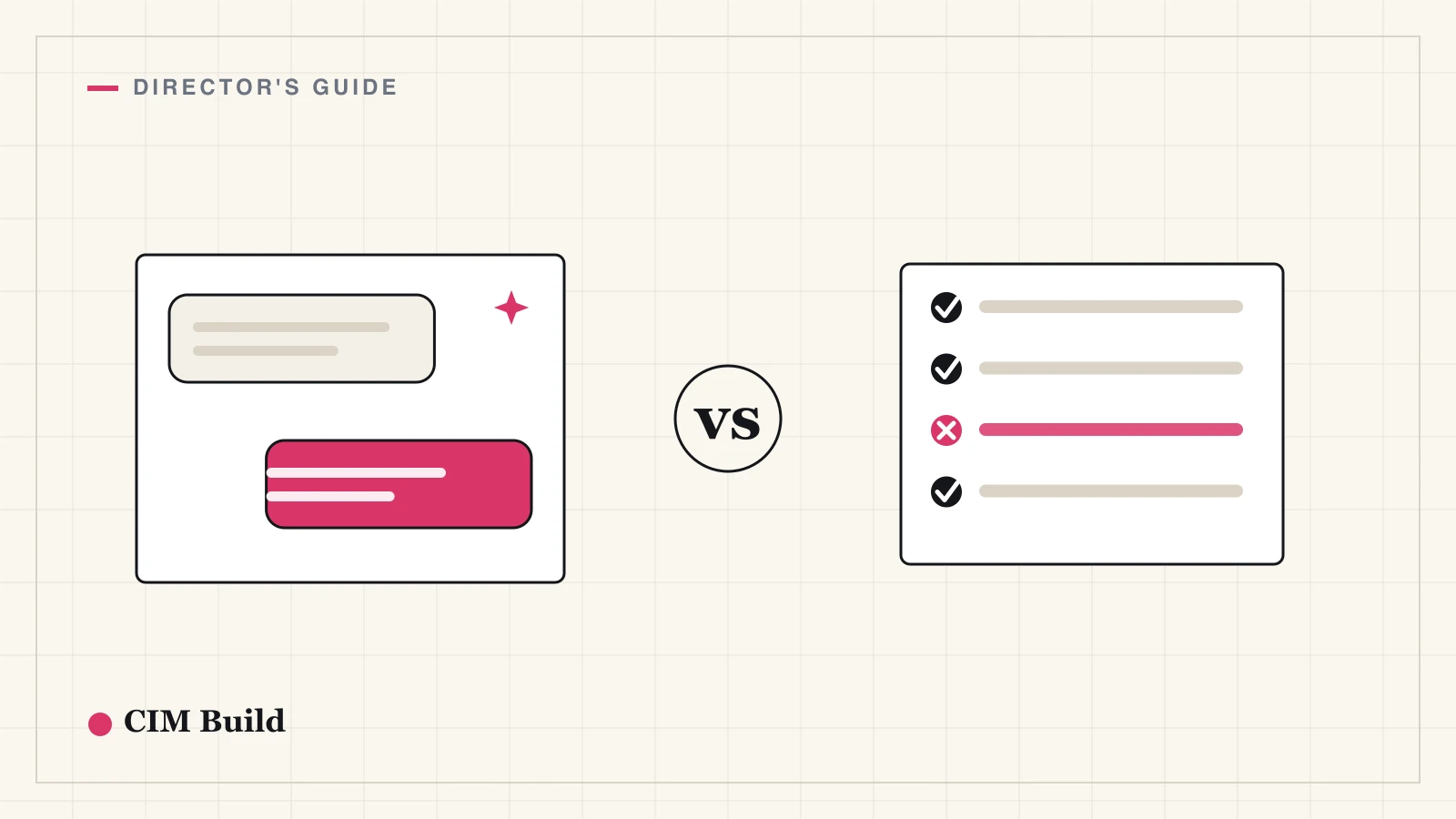
| Use case | ChatGPT / Claude | CIM.BUILD |
|---|---|---|
| Drafting letters, emails, RFIs, and reports | ✅ | ✅ |
| Summarising a single report or meeting pack | ✅ | ✅ |
| Explaining concepts and onboarding new staff | ✅ | ✅ |
| Brainstorming and pressure-testing a decision | ✅ | ✅ |
| Quick, throwaway questions about general knowledge | ✅ | ✅ |
| Reviewing a full issued set — hundreds of pages of drawings | ❌ | ✅ |
| Comparing revisions and surfacing every marked-up change | ❌ | ✅ |
| Checking a long project brief or spec against the drawings | ❌ | ✅ |
| Systematic, repeatable cross-discipline QA | ❌ | ✅ |
| Long-running reviews that grind through the whole document set | ❌ | ✅ |
| Holding your project and standards in context across the job | ❌ | ✅ |
The top half is language and thinking work, and both handle it well. The bottom half is where the gap opens. CIM.BUILD will take a long project brief and run it against hundreds of pages of drawings, compare one revision to the next and flag every mark-up that moved, and keep grinding through the whole set for as long as the review takes — the work a general chat window can't hold in its head and won't do the same way twice.
The right mental model isn't "which one wins." It's that a general chatbot stops exactly where the construction-critical work begins, and CIM.BUILD keeps going — doing the everyday writing too, so you're not stitching two tools together. Use whatever's at hand for a quick letter; reach for the purpose-built tool the moment the drawings, revisions, and specs are what's on the line, because that's where being right about your project — not just fluent — is the job.
Setting a team policy that's actually used
A policy nobody reads changes nothing. Keep it to a page:
- Approved tools and tiers. Name them. Mandate the business tier for anything client- or project-related, and fund it — a per-seat licence is cheap insurance against a leaked drawing.
- The confidentiality line. One sentence on what never goes into a personal account. (See above.)
- The check rule. Every fact, number, clause, and reference the tool produces is unverified until a human confirms it against the source. Output is a draft, never a decision.
- Where it's encouraged. Be specific about the good use cases so people actually adopt it. A policy that's all "don't" gets ignored, and your team uses it anyway — just invisibly.
The goal is to move usage out of the shadows. It's already happening; you're choosing between governed and ungoverned, not between yes and no.
Prompting that actually helps
You don't need prompt-engineering courses. Three habits get your team 90% of the value:
- Give it the context. It knows nothing about your job until you tell it. "You're a contracts administrator on a $40m commercial fit-out under an AS 4902 contract. Draft a delay notification for…" beats "write a delay letter" every time.
- Tell it what good looks like. Paste in one of your own past letters or reports and say "match this tone and structure." It's far better at imitating a good example than inventing your house style.
- Make it show its work. For anything analytical, ask it to explain its reasoning and cite where each claim comes from. It makes the confident-but-wrong answers much easier to catch.
What this means for you
ChatGPT and Claude are already in your business. The only real decision is whether you lead the adoption or let it happen by accident. Point them at the writing, summarising, and thinking work where being articulate is the job, and they'll give your team back hours a week. Keep them off the drawing review and the spec compliance, where being right about your project is the job, and you'll avoid the failures that look like wins until they cost you.
The directors getting value from this aren't the ones who banned it or the ones who trust it blindly. They're the ones who drew a clear line — generalist for the admin, purpose-built tool for the risk — and made sure their team knew which side of it they were on.
If you'd like to see what document review looks like when it's built for construction rather than bolted onto a chatbot, we're glad to show you.