
 Procore
 Autodesk Construction Cloud
 Aconex
 SharePoint
 Google Drive
 Outlook
Bluebeam Revu Alternatives: AI Drawing Review for D&C Builders
Bluebeam Revu is built for one person marking up one sheet. D&C builders carry risk across the whole pack, every revision. Here are the alternatives - and why CIM.BUILD is built for the way D&C teams actually work.
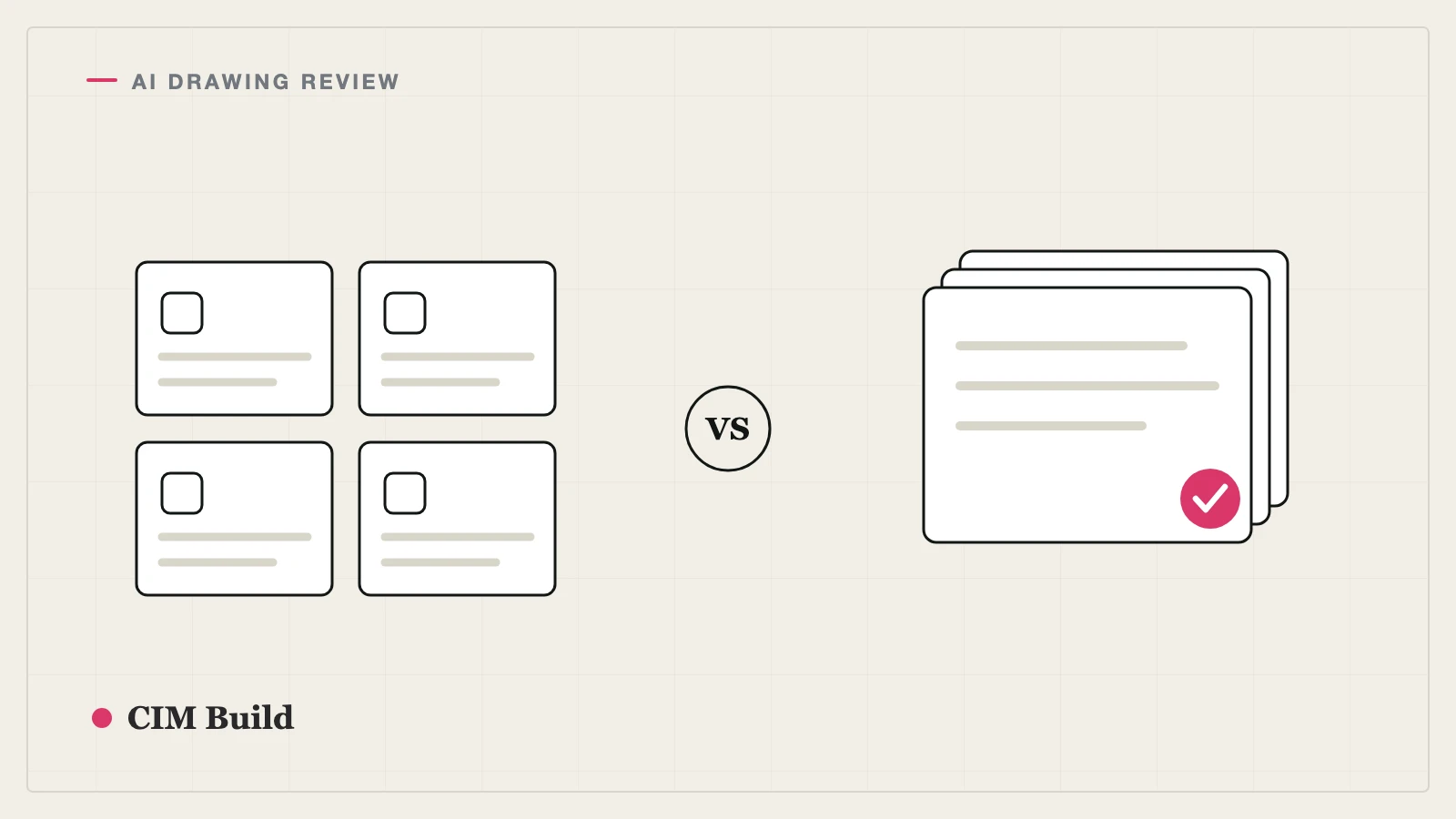
Bluebeam Revu is the default desktop tool for PDF markup and takeoff - the one your estimators and PMs already open every day. It's excellent at what it's built for: one person, marking up one sheet, at a time. But that's also where it stops. D&C builders don't carry risk one sheet at a time. They carry it across the whole project pack - drawings, specs, schedules and consultant reports - and across every revision, where the un-clouded change and the missing scope hide.
If you're looking past Revu, here are the main alternatives, and why CIM.BUILD is built specifically for the way design & construct teams work.
What Bluebeam Revu does well - and where it stops
Revu is a per-seat desktop application for marking up, comparing and taking off PDFs. For detailed individual review it's hard to beat. The limits are structural, not cosmetic:
- It works on one document at a time - it won't cross-reference a drawing against the spec, the schedule and the last revision for you.
- The work is gated by who holds a license, so the review bottlenecks on a handful of seats.
- It produces a marked-up PDF, not a defensible findings register or change register a design manager can hand over.
What to look for in a Bluebeam Revu alternative
For a D&C builder, three questions sort the field fast:
- Per-user markup, or whole-pack audit? Can it read the drawings, specs, schedules and consultant reports together - and tell you what doesn't line up?
- Manual, or pre-configured? Does someone have to know to check the door schedule against the hardware spec, or does the tool already run that audit?
- Does it produce a deliverable? A markup helps the person looking at it. A findings register with source-linked citations is something your team can act on and defend.
The main alternatives
CIM.BUILD - A whole-pack audit layer built for D&C builders. Where Revu helps a user mark up a sheet, CIM runs pre-configured audits across the entire document set on every revision and returns a findings register with source-linked citations. More on why it fits D&C work below.
Adobe Acrobat - The closest like-for-like to Revu for general PDF markup, comparison and commenting, with AI assistant features for summarizing a document. Capable and cheap, but not construction-specific and still one document at a time.
Autodesk (Revit / Construction Cloud) - Strong if your coordination is model-led: clash detection and version control across the BIM. Heavier to adopt if your project pack lives in 2D PDFs and schedules.
Procore - Markup and document management inside your system of record, now with AI for search and admin. Good if Procore is already the hub; it isn't a structured cross-document design audit.
AI takeoff tools (Togal.AI, Kreo and similar) - If it's specifically the takeoff side of Revu you want to replace, dedicated AI takeoff tools go deeper on measurement and quantities than general markup.
Why CIM.BUILD is built for D&C builders
Revu is built around a person and a sheet. CIM is built around the workflows that carry D&C risk - and it runs the same audits a good design manager would, on every revision, automatically.
The workflows it runs
Estimating, at tender. CIM reads the full tender pack in under an hour - drawings against specs, schedules against drawings, prior revisions against the current set. Findings come back with source citations, so estimators catch the peripheral scope and spec conflicts that slip under tender pressure (acoustics, bespoke joinery, the note buried on page 47) and stop bidding blind.
Delivery, mid-project. CIM compares every revision against the last and flags exactly what changed - un-clouded edits, schedule drift, services running through structure that wasn't there last week. PMs stop discovering changes the day before the trade arrives, and RFIs go to consultants days earlier, while there's still time to resolve them without standby or rework.
Design management. CIM runs your audit templates against every new set the moment it lands, flags coordination errors weeks earlier than a manual review, and keeps a change register linked back to source pages - a defensible record of which design obligations the architect met and which they didn't. Variations get caught before they hit cost, especially in finishes, joinery and FFE.
The pre-configured audits
You don't have to know what to look for. CIM ships with audits D&C teams run every project:
- Scope completeness - every drawing cross-referenced against the specification, so peripheral scope doesn't slip through.
- Drawing-to-schedule consistency - doors, windows, finishes and hardware reconciled between the drawings and the schedules.
- Services vs structure - services running through structure flagged before the trades hit it on site.
- Standards compliance - checks against standards like AISC 360 and the IBC.
- Revision comparison - every new revision diffed against the last, surfacing un-clouded consultant edits and schedule drift.
These run on top of your organization's own audit templates, so the checks capture your team's hard-won lessons learned, not just the generic ones.
Bluebeam Revu vs CIM.BUILD at a glance
| Bluebeam Revu | CIM.BUILD | |
|---|---|---|
| Built for | Per-user PDF markup and takeoff | D&C builders auditing the whole pack across revisions |
| Primary user | The estimator or PM on a single sheet | Estimating, delivery and design-management teams |
| Scope of review | One document at a time | Drawings, specs, schedules, reports and prior revisions, together |
| Finds | What you mark up | What's missing or doesn't line up - scope gaps, clashes, un-clouded changes |
| Pre-configured audits | None - you mark up manually | Scope, drawing-to-schedule, services vs structure, standards (AISC 360/IBC), revision compare |
| Output | Marked-up PDF | Findings register with source-linked citations; change register |
| Deployment | Desktop app, per-seat license | Cloud platform, org-wide |
| Integrations | Revit, BIM tools | Procore, Autodesk, document upload from any source |
| Best for | Individual markup and takeoff | Catching D&C scope and coordination errors before they hit site |
How to choose
If the job is one estimator wanting to mark up and take off a sheet, Bluebeam Revu (or Acrobat) is the right tool and CIM doesn't replace it. If the risk you're managing is the D&C one - scope gaps at tender, un-clouded changes between revisions, the manual change register eating a design manager's week - then a per-seat markup tool was never built to solve that. That's the gap CIM.BUILD is built for, and it runs alongside whatever markup tool your team already uses.
Frequently asked questions
What is Bluebeam Revu?
Bluebeam Revu is a per-seat desktop application for PDF markup, comparison and takeoff. It's the default tool estimators and PMs use to mark up and measure drawings, one document at a time.
What's the best alternative to Bluebeam Revu?
It depends on the job. For per-user PDF markup, Adobe Acrobat is the closest like-for-like. For D&C builders who need to audit the whole pack across revisions
- not one sheet at a time - CIM.BUILD does a different and deeper job.
Does CIM.BUILD replace Bluebeam Revu?
No. Revu stays the daily tool for individual markup and takeoff. CIM is the audit layer over the whole document set: it runs pre-configured audits on every revision and produces a findings register and change register. Most builders run both.
What does CIM.BUILD actually check?
Scope completeness across drawings and specs. Drawing-to-schedule consistency (doors, windows, finishes, hardware). Services vs structure coordination. Compliance against standards like AISC 360 and the IBC. And what changed between revisions, including un-clouded consultant edits.
Is CIM.BUILD built for D&C builders specifically?
Yes. It's built around the three workflows that carry design & construct risk - estimating at tender, delivery's revision compare, and the design manager's change register - and the pre-configured audits those teams run every project.
How long does a CIM review take?
Most reviews finish inside an hour, with findings linked to source pages so your team can verify in minutes, not days.