
 Procore
 Autodesk Construction Cloud
 Aconex
 SharePoint
 Google Drive
 Outlook
ChatGPT vs Claude Cowork vs Copilot for Construction: Which Should Builders Use?
ChatGPT, Claude Cowork and Microsoft Copilot are capable general tools — but the design & construct document jobs run across the whole set. A table comparing all three with CIM.BUILD on spec-to-drawings, brief-to-drawings, cross-discipline coordination and revision tracking.
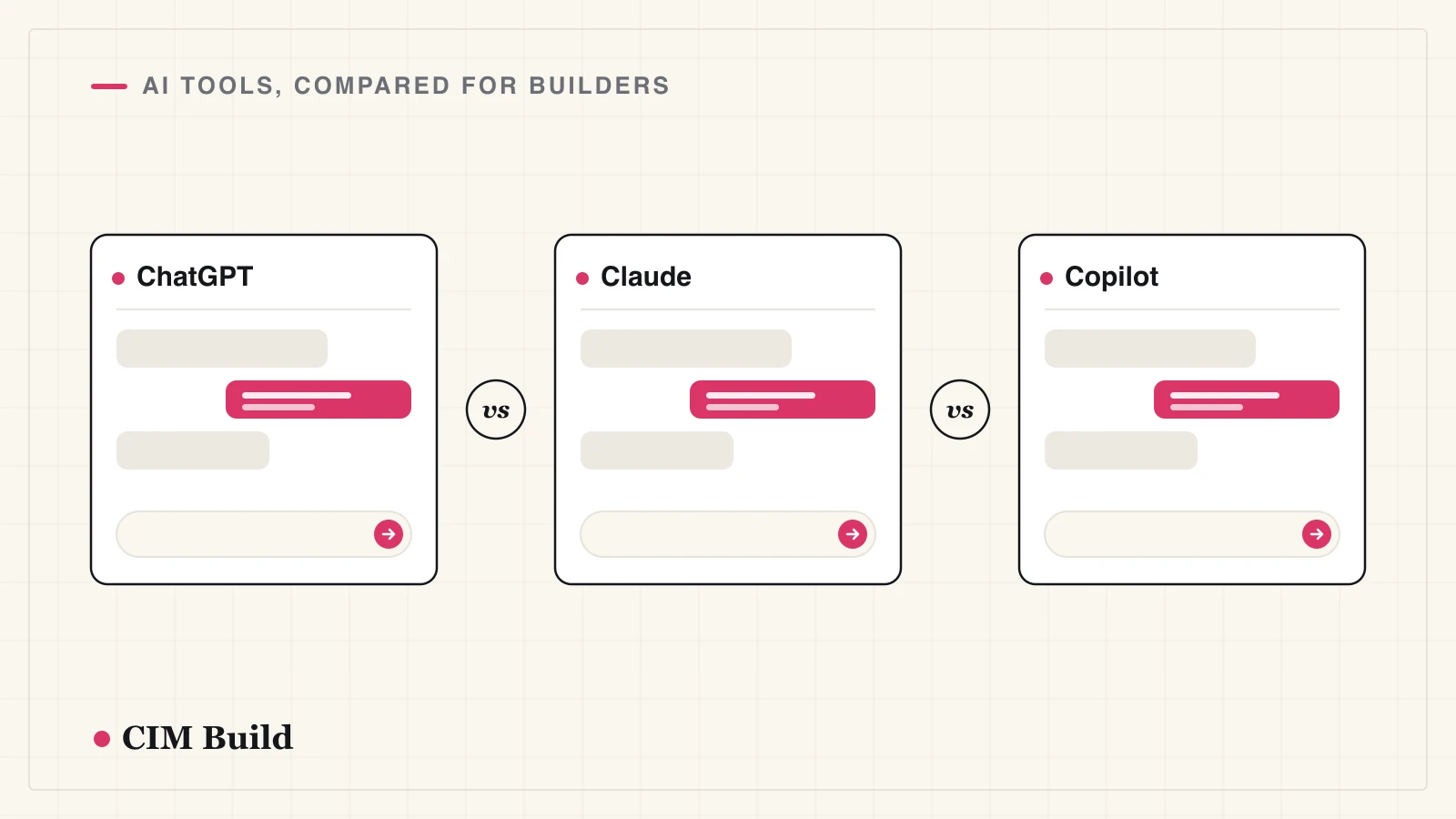
ChatGPT, Claude Cowork and Microsoft Copilot are capable general tools. They read multi-file PDFs, hold large documents in context, and - with Claude Cowork's agentic mode - can work through a folder of files and run saved tasks on a schedule. For the writing and admin around a project, and for spot-checking a few pages, they earn their keep. The document jobs that carry design & construct risk are a different ask: reconciling a full spec against a full drawing set, checking the brief is delivered, catching cross-discipline conflicts, and tracking every change across revisions. Here's how they compare with a purpose-built tool on those jobs.
The comparison
| D&C use case | ChatGPT | Claude Cowork | Copilot | CIM.BUILD |
|---|---|---|---|---|
| Spec → drawings — everything specified, actually drawn? | Part of the set; large packs get truncated | Can work a folder; setup is manual, results vary | Text specs yes; weak on drawing PDFs | ✅ Spec vs the whole set, automatically, page-cited |
| Project brief → drawings — is the brief delivered? | Brief vs a few sheets, not the full set | Brief across files, but no audit trail | Brief vs M365 files, section by section | ✅ Brief checked against the full set |
| Cross-discipline coordination — services vs structure, drawing vs schedule | Spot checks on pasted sheets | Spot checks; not systematic | Spot checks; text only | ✅ Systematic across the set (documentation layer, not 3D clash) |
| Changes between revisions — incl. un-clouded edits | Two files by hand; misses un-clouded edits | Can diff files; drawings unreliable | Text diffs, not drawing sets | ✅ Every revision diffed; un-clouded changes flagged |
| Matching drawings across revisions — which sheet pairs with which? | Guesses by filename | Guesses by filename | Guesses by filename | ✅ Pairs each sheet to its prior revision |
Why the general tools fall short here
The limits are structural, not a matter of a better prompt. Their working context is bounded, so a full issued set gets sampled or truncated rather than read end to end - ChatGPT Enterprise, for instance, caps the working context for uploaded documents at roughly 110k tokens and splits that budget across files. They're non-deterministic, so the same review run twice can return different answers and quietly skip pages. They summarize rather than cite, so a flagged issue isn't tied to a verifiable page - and they'll state section numbers and dimensions with full confidence whether or not they're right. And the construction-specific checks aren't built in: you engineer each one by hand, every time.
What CIM.BUILD does differently
- Reads the whole pack, not a sample - drawings, specs, schedules and reports together, the full set, on every revision.
- Runs pre-configured, org-specific audits - scope completeness, drawing-to-schedule consistency (doors, windows, finishes, hardware), services vs structure, and standards like AISC 360 and the IBC - on top of your own audit templates, so the checks carry your team's lessons, not generic ones.
- Cites every finding to its source page in a findings register your team can verify in minutes and defend in a change-order claim.
- Diffs every revision automatically - un-clouded edits, schedule drift, services newly running through structure - and pairs each sheet to its prior version so nothing is compared against the wrong drawing.
- Runs the same way every time, and finishes a full pack in under an hour.
- Plugs into Procore and Autodesk with no training or rollout.
CIM.BUILD works at the documentation layer - cross-sheet and spec coordination - not 3D geometric clash detection; that stays a separate tool.
For the everyday writing, pick on fit: Copilot inside Microsoft 365, ChatGPT for versatility, Claude Cowork when you want an agent to work through a folder of files. For the drawing, spec and revision work above, that's the job CIM.BUILD is built for - alongside whichever assistant your team already uses.
Frequently asked questions
Can ChatGPT or Claude Cowork review a full drawing set?
They can read a handful of pages, or - with Claude Cowork's agentic mode - work through a folder of files. But a full issued set gets sampled or truncated, the review isn't repeatable, and findings aren't tied to verifiable pages. CIM.BUILD reads the whole pack every revision and cites each finding to its source page.
What is Claude Cowork, and is it enough?
Cowork is Anthropic's agentic mode (launched in 2026) that works across your local files and connectors and runs saved tasks. It's the strongest of the three for multi-file work, but it still lacks construction-specific audits, deterministic full-set coverage, and source-cited findings - so it spot-checks rather than audits.
Can these tools compare drawing revisions?
For a couple of pages, with prompting. Across a set they don't reliably pair the right sheets or surface every un-clouded change. CIM.BUILD pairs each sheet to its prior revision and flags exactly what moved between issues.
Is Microsoft Copilot good for builders?
For Microsoft 365 work, yes - it reads your Outlook, Teams and Excel directly. For drawings it's the weakest of the three: it handles text-based PDFs best, and Microsoft advises section-by-section prompting over whole-document synthesis.
Should we use a general chatbot or a construction-specific tool?
Both, for different jobs. Use a general assistant for correspondence, summaries and quick questions. Use a purpose-built tool the moment the full drawing set, specs and revisions are what carries the risk.
Is it safe to put project documents into these tools?
Only into a paid business tier. ChatGPT Business/Enterprise and Claude Team/Enterprise don't train on your inputs by default; consumer free accounts may. Keep client-owned or confidential material out of personal accounts. Our director's guide covers the policy in full.